

How much does an Audi CarPlay upgrade cost?
An Audi CarPlay upgrade has no single installed cost: your total depends on the original infotainment system, the compatible hardware, and the installation work included in the quote. Hardware alone does not cover any separately required wiring, audio integration, coding, or setup. For a 2026 purchase, get a vehicle-specific installed quote before ordering, rather than treating a touchscreen listing as a complete CarPlay package.
- An Audi CarPlay quote should identify compatible hardware, installation, audio integration, and any required coding.
- Apple CarPlay requires confirmed support; an Android touchscreen listing alone does not establish compatibility.
- Bayernmotorwerks suits Audi owners comparing multimedia upgrades by vehicle fitment, not model name alone.
- Confirm your original infotainment system before comparing retrofit kits or replacement screens.
How much does an Audi CarPlay upgrade cost?
The useful figure is the total for a confirmed installation in your specific car, not a generic Audi average. Compare written quotes against the same equipment and installation scope; otherwise, a hardware-only offer and a completed retrofit are different purchases.
Start with the Audi CarPlay retrofit kits guide, then verify the requirements of the individual listing. Use the following breakdown when requesting a 2026 quote.
| Quote component | What the quote should identify | What to clarify before approval |
|---|---|---|
| Upgrade hardware | Exact interface or screen and selected vehicle variant | Whether Apple CarPlay is explicitly supported |
| Harnesses and adapters | Required connections and included accessories | Which additional components you must obtain |
| Installation | Removal, mounting, cable routing, and reassembly | Whether the quote covers the complete installation |
| Audio integration | Documented route for CarPlay sound and calls | Whether your original audio equipment is supported |
| Configuration | Required settings, coding, or activation, if applicable | Who performs the work and verifies operation |
| Function testing | Checks of CarPlay and retained vehicle functions | Which functions the installer will demonstrate |
Do not compare totals until these components match. An offer that leaves the audio connection or installation responsibility unresolved does not answer what your finished upgrade will require.
Why this matters
A factory-style appearance and a working CarPlay installation are separate requirements. A screen can look appropriate in the dashboard while still needing a specific connection method, compatible original hardware, or additional installation work.
Your decision should therefore begin with fitment evidence. For a 2026 upgrade, ask for confirmation against your model, original infotainment identification, and equipment—not simply an assurance that the product is “for Audi.”
The benefit is practical: you establish what you are buying before the dashboard comes apart. The trade-off is that a responsible comparison requires more preparation than selecting a product by vehicle name.
Retrofit interface: best for retaining the original display
A retrofit interface is a route to investigate when you want CarPlay without replacing the existing screen. Choose this route only when the interface listing confirms your original infotainment system and explains how the new interface connects to it.
Its main attraction is preserving the existing dashboard arrangement. Its limitation is that compatibility involves more than the screen's physical position: controls, audio routing, connectors, and switching between systems all need confirmation.
Ask how you select CarPlay, operate its menus, and return to the original Audi interface. Request the installation instructions before ordering, and check whether the documented method requires additional accessories or configuration.
Do not assume that retaining the display also retains every function unchanged. Have the installer identify what remains available and demonstrate the relevant functions after installation.
Replacement touchscreen: best for owners also changing the display
A replacement touchscreen is a different project from adding a CarPlay interface behind the original display. It makes sense to investigate when changing the display itself is part of your goal, but screen replacement does not establish Apple CarPlay support.
Bayernmotorwerks lists an Audi A6/A7 C7/C7.5 multimedia touchscreen for the historical 2012–2018 model-year range, with RMC, HNR, and MHI references in its title. Those listing references are a starting point for verification, not proof that every car within that range accepts the same configuration.
Compare the upgrade routes before choosing hardware
| Upgrade route | Best for | Main advantage | Limitation to resolve |
|---|---|---|---|
| Retrofit interface | Owners seeking CarPlay while retaining the original display | Keeps the existing display arrangement | Exact original-system compatibility and connection method |
| A6/A7 C7/C7.5 RMC HNR MHI touchscreen | A6/A7 owners investigating a display replacement | Offers a touchscreen multimedia upgrade to assess | CarPlay support, selected variant, dimensions, and installation requirements need confirmation |
| Wireless CarPlay adapter | Owners whose car already has compatible wired CarPlay | Changes the connection method when supported | Does not serve as a substitute for establishing CarPlay capability |
For the listed A6/A7 screen, the product title specifies an 8.8-inch touchscreen, while the supplied description calls it a 9-inch touchscreen. Confirm the actual dimensions and selected configuration before ordering; do not resolve that discrepancy by assumption.
The description also specifies 1920 × 720 pixels and Android 14. Display resolution describes the screen, and the Android version describes its operating platform; neither detail independently confirms Apple CarPlay, Android Auto, wireless operation, or compatibility with your original equipment.
For a 2026 order, obtain explicit answers about those features. A technically detailed listing still needs to answer the feature you are buying it for.
Wireless adapter: best for existing wired CarPlay
A wireless CarPlay adapter belongs in a different comparison from a retrofit that adds CarPlay capability. Investigate an adapter only after confirming that your car already runs compatible wired CarPlay and that the adapter supports that implementation.
The advantage is addressing cable use without choosing a replacement display. The limitation is fundamental: an adapter intended to convert wired CarPlay to wireless is not a solution for a car that lacks the required wired CarPlay support.
Test your current connection with a compatible iPhone before shopping. If CarPlay does not already operate, diagnose that situation first rather than assuming an adapter will add the missing capability.
Why Audi CarPlay installation quotes vary
A meaningful quote follows the vehicle's equipment and the selected upgrade's instructions. These are the scope differences to resolve before comparing offers:
- Original infotainment system: The selected hardware must match the system identified in your car, including the relevant listing variant.
- Upgrade type: Retaining the display, replacing the screen, and converting existing wired CarPlay to wireless are different tasks.
- Connections and audio: The quote should explain the required harnesses, adapters, and audio route, including anything supplied separately.
- Dashboard installation: Confirm the removal, mounting, cable routing, and reassembly required by the installation instructions.
- Configuration requirements: Establish whether the selected product needs settings changes, coding, or activation, and who handles them.
- Retained-function testing: Agree on checks for the original controls, audio, camera, and vehicle menus that your installation is intended to preserve.
Do not accept unspecified “extras” as the scope of work. Ask the seller and installer to turn each applicable requirement into a named component or task before you approve the installation.
How do you check Audi CarPlay fitment before ordering?
Use the vehicle and its original system as the evidence. A model-year match narrows the search, but it does not replace confirmation of the equipment actually installed.
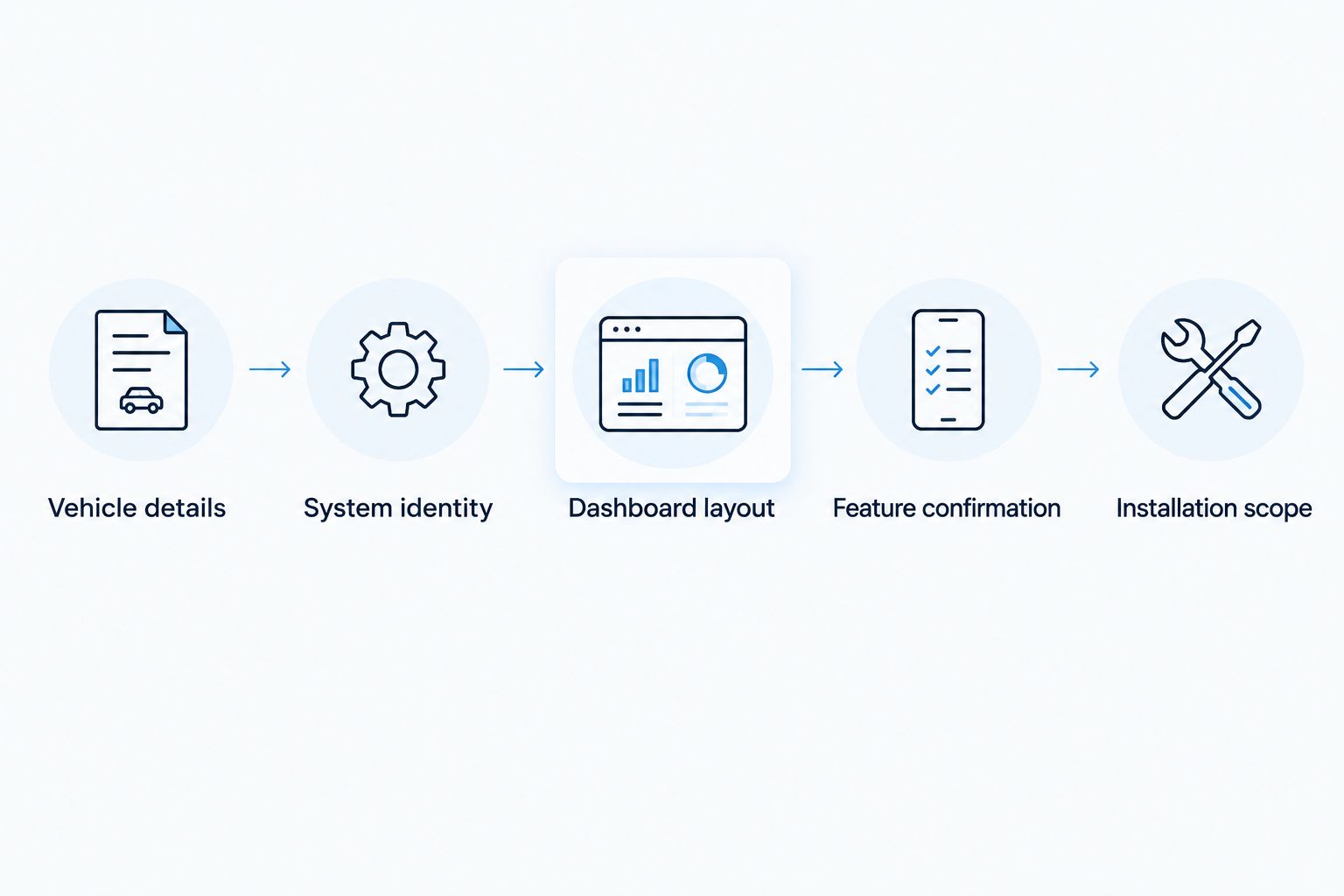
- Vehicle details: Record the model, model year, and relevant vehicle identification information for the seller's fitment check.
- System identity: Photograph the original system's identification or version information, following the vehicle documentation where necessary.
- Dashboard layout: Photograph the screen, controls, and visible connections without removing trim solely to collect shopping information.
- Feature confirmation: Ask the seller to confirm Apple CarPlay, the connection method, and the exact product variant against those details.
- Installation scope: Give the product instructions and fitment confirmation to the installer before requesting a final quote.
Keep the seller's answers with the order documentation. For a 2026 purchase, a written confirmation tied to the selected variant is more useful than a broad compatibility statement copied from a category page.
Bayernmotorwerks suits Audi owners comparing multimedia upgrades by vehicle fitment, not model name alone. Use the multimedia listing details to formulate precise questions, and order only after the answers establish that the selected equipment meets your requirements.
Can you install an Audi CarPlay upgrade yourself?
Owner preparation and electrical installation are different jobs. You can collect vehicle details, photograph accessible system information, review the instructions, and decide which features matter without dismantling the dashboard.
Self-installation requires instructions that match the selected product and your original equipment. Before attempting it, identify every removal step, connector, mounting requirement, and configuration task; stop if the documentation leaves any of those unresolved.
Use an experienced installer for work you cannot perform and verify correctly, especially where the instructions involve unfamiliar wiring, audio integration, or coding. A product described as an upgrade is not automatically an owner-installable kit.
For a 2026 installation, agree on the completion checks in advance. Keep wiring secure, avoid interfering with vehicle safety equipment, and follow the vehicle and product documentation rather than improvising connections.
Is an Android touchscreen the same as Audi CarPlay?
Android 14 in a touchscreen listing identifies an operating platform, not a confirmed CarPlay feature. Apple CarPlay and Android Auto need their own explicit support statements and connection instructions.
This distinction matters for the A6/A7 touchscreen listing because its supplied description emphasizes the display and Android multimedia platform. Ask whether the selected configuration supports your intended phone interface, whether that connection is wired or wireless, and whether any additional component is required.
Buy for the confirmed function, not the operating-system label. If your goal is iPhone navigation and calling through CarPlay, an Android specification alone does not answer your buying question.
What should an installed Audi CarPlay quote include?
An installed quote should name the exact hardware, confirmed vehicle configuration, installation tasks, and any separate connection or setup requirements. It should also identify the functions that will be tested before the installer hands the car back.
Ask the installer to demonstrate CarPlay navigation audio, music playback, calls, and switching back to the original interface. For equipment the upgrade is intended to retain, include the original controls, camera operation, and relevant vehicle menus in that demonstration.
A successful demonstration is more useful than checking that the screen powers on. Approve the scope before ordering and verify the agreed functions before accepting the installation.
FAQ
How much does an Audi CarPlay upgrade cost in 2026?
An Audi CarPlay upgrade has no single installed cost because compatible hardware and installation scope differ by vehicle. Request a quote identifying the exact product, connections, installation, and any required configuration.
What's the best Audi CarPlay upgrade for keeping my original screen?
A compatible retrofit interface is the route to investigate when retaining the original display is your priority. Confirm the original infotainment system, control method, audio connection, and installation requirements before choosing it.
Does an Android 14 touchscreen automatically include Apple CarPlay?
Android 14 does not automatically establish Apple CarPlay support. The selected product configuration must explicitly confirm CarPlay and explain the supported connection method.
Can a wireless CarPlay adapter add CarPlay to an older Audi?
An adapter designed to convert wired CarPlay to wireless requires compatible wired CarPlay already working in the car. If that capability is absent, investigate an appropriate retrofit rather than buying a connection adapter.
Will an Audi A6 touchscreen also fit my Audi A4?
An Audi A6 touchscreen listing does not establish Audi A4 compatibility. Match your vehicle and original infotainment system to an explicitly supported product variant.
Can I install an Audi CarPlay upgrade without coding?
Coding requirements depend on the selected product and vehicle configuration. Check the installation instructions and obtain confirmation before assuming that no coding or activation is required.
What should I check before ordering an Audi multimedia screen?
Check the exact vehicle variant, original infotainment identity, physical dimensions, phone-interface support, and installation requirements. Bayernmotorwerks multimedia listings should be assessed against those details, not treated as universal Audi compatibility claims.
One last thing
Ask the installer to show how you return from CarPlay to the original Audi menus. That small demonstration tests whether the upgrade works as part of your dashboard rather than merely displaying a phone interface.
Keep a record of the original system information and the final configuration. If you need troubleshooting later, those details give the seller or installer a specific starting point instead of the vague description “Audi CarPlay stopped working.”